Inserting
a Stage LiftInserting
a Stage Lift
Inserting
a Stage LiftInserting
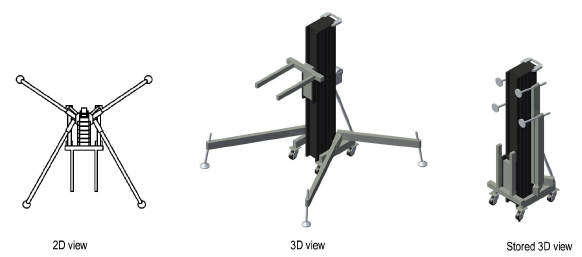
a Stage LiftA stage lift object can be added to a drawing to represent the typical adjustable support device commonly found on stage for supporting speakers, trusses, and other stage equipment. The stage lift can be shown extended or collapsed, with a specific appearance and fork position, and can be labeled.

To insert a stage lift:
Click the Stage Lift tool from the Spotlight tool set.
Click to place the object in the drawing, and click again to set the rotation.
The first time you use the tool in a file, a properties dialog box opens. Set the default properties, and click OK. The properties can be edited from the Object Info palette.
Click to show/hide the parameters.
~~~~~~~~~~~~~~~~~~~~~~~~~