PulleysPulleys
Mode |
Tool |
Tool set |
Modes for The Symbol Insertion Tool |
|
Machine Components |
The Pulley tool and Pulley - 3D tool share the same position on the tool set. Click and hold the mouse on the visible tool to open the Pop-out Tools list and select the desired tool.
The pulley object accommodates both round belts and V-belts, and up to ten grooves.
To insert a pulley:
Click the tool and mode.
Click to place the object in the drawing, and click again to set the rotation.
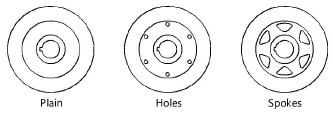
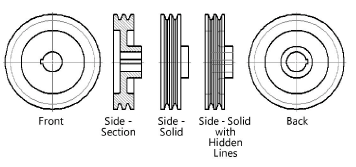
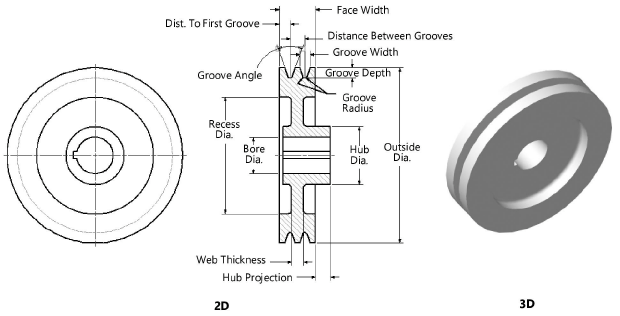
The first time you use the tool in a file, a properties dialog box opens. Set the default properties. The properties can be edited from the Object Info palette.
 Click
to show/hide the parameters.
Click
to show/hide the parameters.